
Best AI Tools for Freelancers: Research, Design, Video, Coding and Automation
Freelancing offers unparalleled creative freedom, but it also carries heavy administrative overhead. For every hour spent doing paid design or video work, solo creators often spend another hour writing proposals, chasing late payments, researching client competitors, and drafting contracts.
By curating a lightweight, high-impact AI stack, independent creators can reclaim 15+ billable hours every week while delivering polished client presentations.
1. Research and Client Discovery Tools
Before pitching a prospective client, you must understand their market position. Use ChatGPT or Google Gemini with web search grounding to generate comprehensive 5-minute client dossiers:
• Competitor Analysis: Identify what visual styles, video formats, and messaging top rivals are using.
• Audience Persona Breakdown: Summarize customer pain points from public forum reviews and social media comments.
• Proposal Outline Drafting: Generate structured scopes of work with clear milestone deliverables.
2. Design and Visual Asset Creation Tools
For visual freelancers, tools like Adobe Firefly, Midjourney, and Canva AI assist in creating commercial-grade mockups, expanding photo backgrounds with generative fill, and generating custom textures that elevate client pitch decks.
3. Video and Audio Post-Production Assistants
“Freelance video editors who automate transcription and rough assembly deliver client revisions twice as fast without sacrificing storytelling quality.”
• Descript & Adobe Enhance: Clean up poor client smartphone audio and remove room echo instantly.
• DaVinci Resolve Magic Mask: Isolate moving subjects and apply localized color grades in seconds.
• Captions AI: Generate kinetic typography for vertical video reels across multiple regional languages.
4. Operations and Invoice Automation
Pairing Make.com with basic LLM triggers transforms client communications. Automatically draft polite payment reminders, organize signed contracts in Google Drive, and summarize project Slack threads into weekly status emails.
AI Tools for Creators & Designers Course
Master modern AI tools to accelerate freelance workflows and creative production live online.
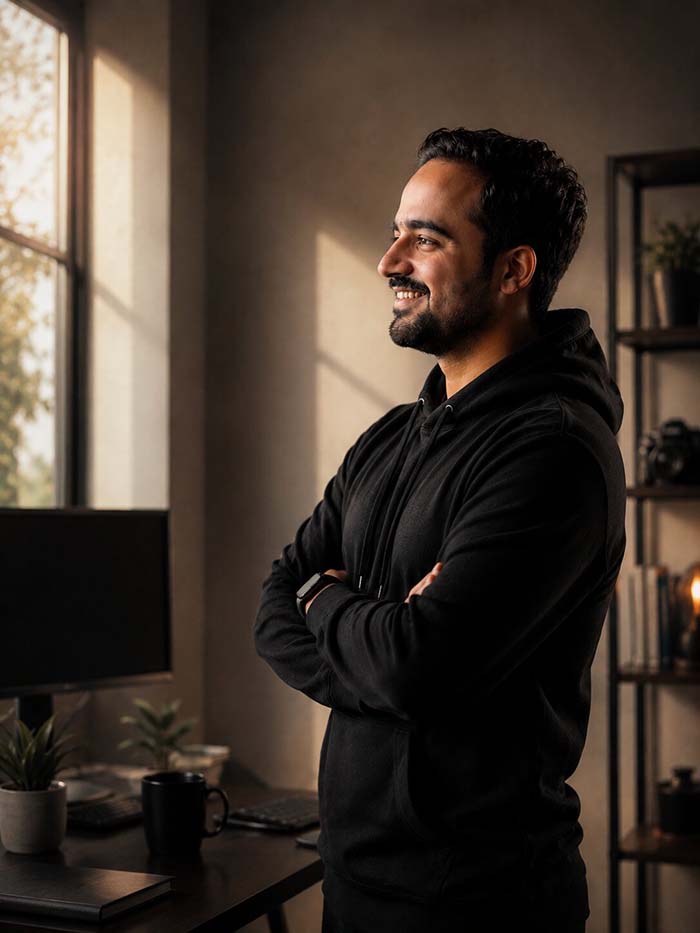
Nikhil Dadhich is Founder & Creative Director at Dadhich Art and Lead Mentor at Dadhich Art Academy.
About Nikhil DadhichRelated Guides
Ready to Start Your Creative Journey?
Book a free counselling session with our Academy team. Get personalised course guidance, current batch availability, and listed fee details.
Book Free Counselling